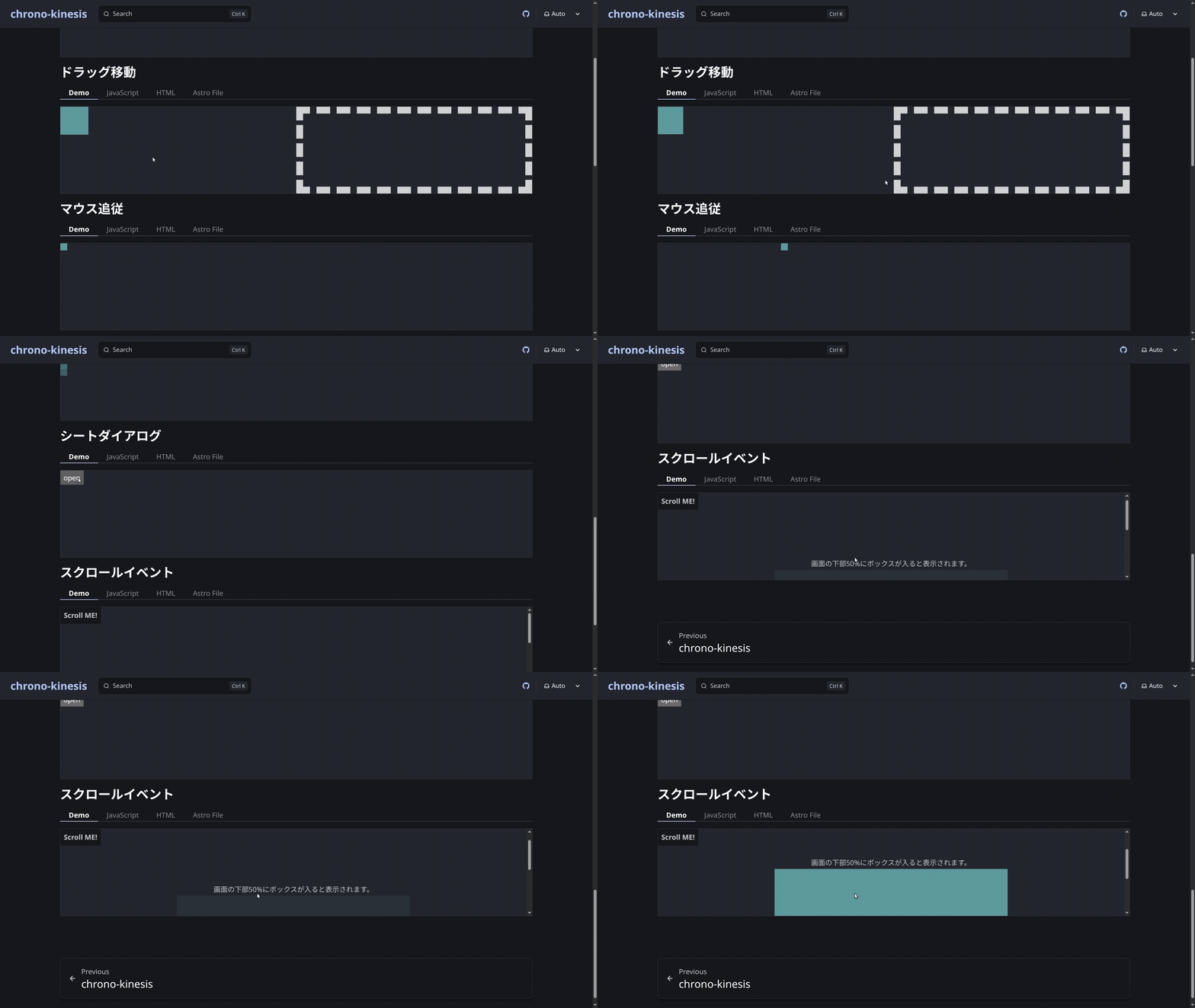
アニメーションライブラリ chrono-kinesis でシートダイアログをバネで表示非表示するExampleを追加しました。
内部実装
HTMLのdialogの実装例としても、参考になるのではないかと思います。
class DialogGateClock {
  // Clockを起動しダイアログを閉じることを要求する
  public requestClose() {
    if (!this.target.isConnected || this.state !== "open") return;
    this.state = "request-close";
    this._heartbeat();
  }
  // Clockを起動せずにDialogを閉じる
  public slientClose() {
    if (!this.target.isConnected || this.state === "close") return;
    this.state = "close";
    this._removeListeners();
    this._close();
  }
  // ...
}
requestCloseは実際にHTMLに対して終了(close)を行わず、その動作だけインスタンスに保持して、シミュレーションしていきます。
十分に減退したら、呼び出し元からslientCloseを使って実際に要素をcloseします。
また複数のモーダルに対応しています。
modal:top-layerに配置されるbackdropのありのダイアログmodeless:top-layerに配置されないbackdropも基本ないダイアログpopover:top-layerに配置されるbackdropの基本ないダイアログ
それぞれ、モーダル外クリックやESCキーも含めて、いい感じに開閉アニメーションするようになっています。
※
popoverは古いブラウザでは非対応なのでmodelessにフォールバックしています。 手持ちのiPhone8では、、対応しておらず。。
constructor(element, options) {
  if (options.type === "popover" && !DialogGateClock.enablePopoverSupport(target)) {
    console.warn("The target dialog does not support popover. Falling back to modal behavior.");
    options = { type: "modeless", closedby: options.closedby };
  }
  switch (options.type) {
    case "modal":
      this._show = () => this.target.showModal();
      this._close = () => this.target.close();
      break;
    case "modeless":
      this._show = () => this.target.show();
      this._close = () => this.target.close();
      break;
    case "popover":
      this._show = () => this.target.showPopover();
      this._close = () => this.target.hidePopover();
      // autoの場合、close を拾いきれないため、manual固定。
      this.target.popover = "manual";
      break;
    default:
      this._show = () => this.target.showModal();
      this._close = () => this.target.close();
  }
}
こんな感じで書いています。 MDNを読み込んだりエージェントを使っていくなかで、こんなイベントがあるのか!こんなAPIが!と発見の連続です。
ライブラリリンク
chrono-kinesisでは、宣言的なAPIをもつアニメーション/シミュレーションを実装しています!
ぜひ、GitHubを覗いてみてください。
https://github.com/yyyoichi/chrono-kinesis https://www.npmjs.com/package/@yyyoichi/chrono-kinesis
v0.1.xは開発中で破壊的な変更が加わります。
以上!